


Wireless VOIP Phone is a Earphones & Headphones product. Key specs — Origin: Hong Kong.
Product Description
Product Name: Wireless VOIP PhonePlace of Origin: chinaMatch the Bluetooth Skype with your computer (inserts the Bluetooth adapter on the computer and installs the driver): 1) Press power button till the blue and red indicators blink in turn 2) Search the Bluetooth device on your computer, and select FROKBT0001 to start match process 3) Enter the password 0000 following command of computer, you will hear do do when match and connection are finished 4) Short press power button will be connected with computer 5) Installs Skype from CD, when call comes in (or Dial on computer), you will hear bell ring, press green button to receive a call 6) Press Adjust volume button to increase and decrease volume 7) Press and hold power button till red indicator will extinguish after blinking 8) Indicating the Bluetooth Skype has been powered off Notes: After match is successful, you don\'\'t need rematch when you restart computer, short press power button to disconnect Bluetooth.
If you encounter any problem please rematch Bluetooth.
Related Products
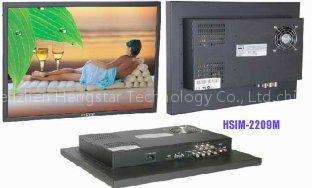 HSIM-2209 M 24'' Professional CCTV Monitor
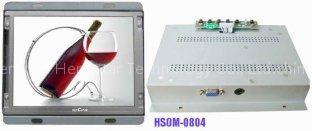 HSOM-0804 8.4''TFT LCD Open Frame Monitor
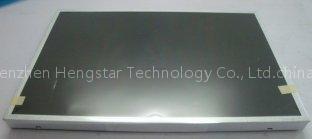 LTM240CT03 24'' Samsung 1920 x 1200 LCD Panel
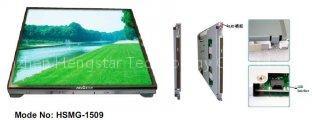 HSMG-1509 15'' Sunlight Readable Open Frame Monitor
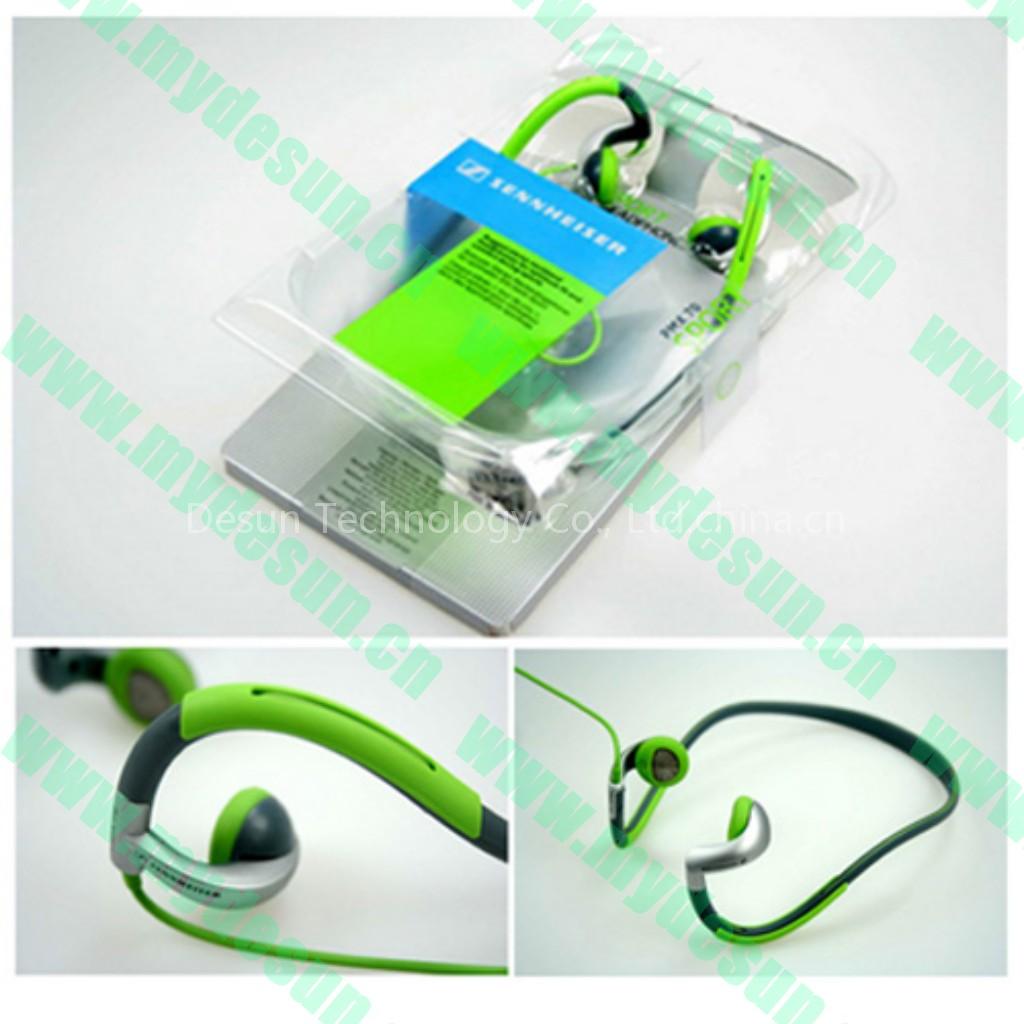 sennheiser pmx70 neckband earphone
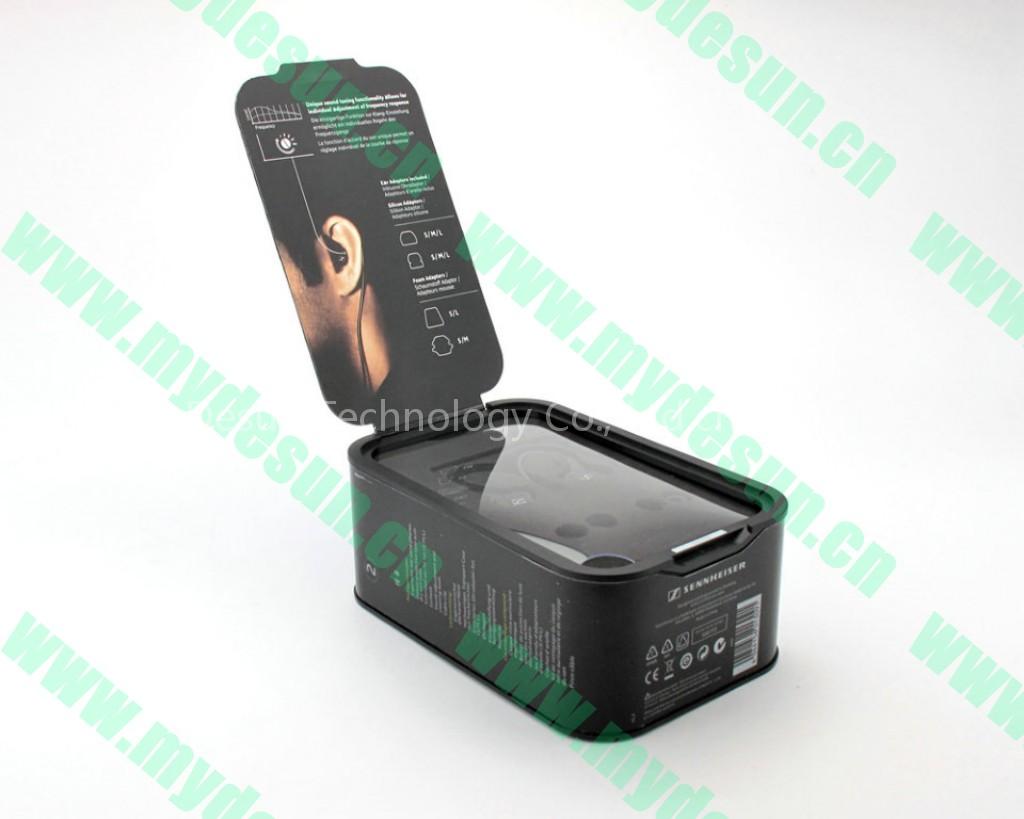 sennheiser IE8 earphone
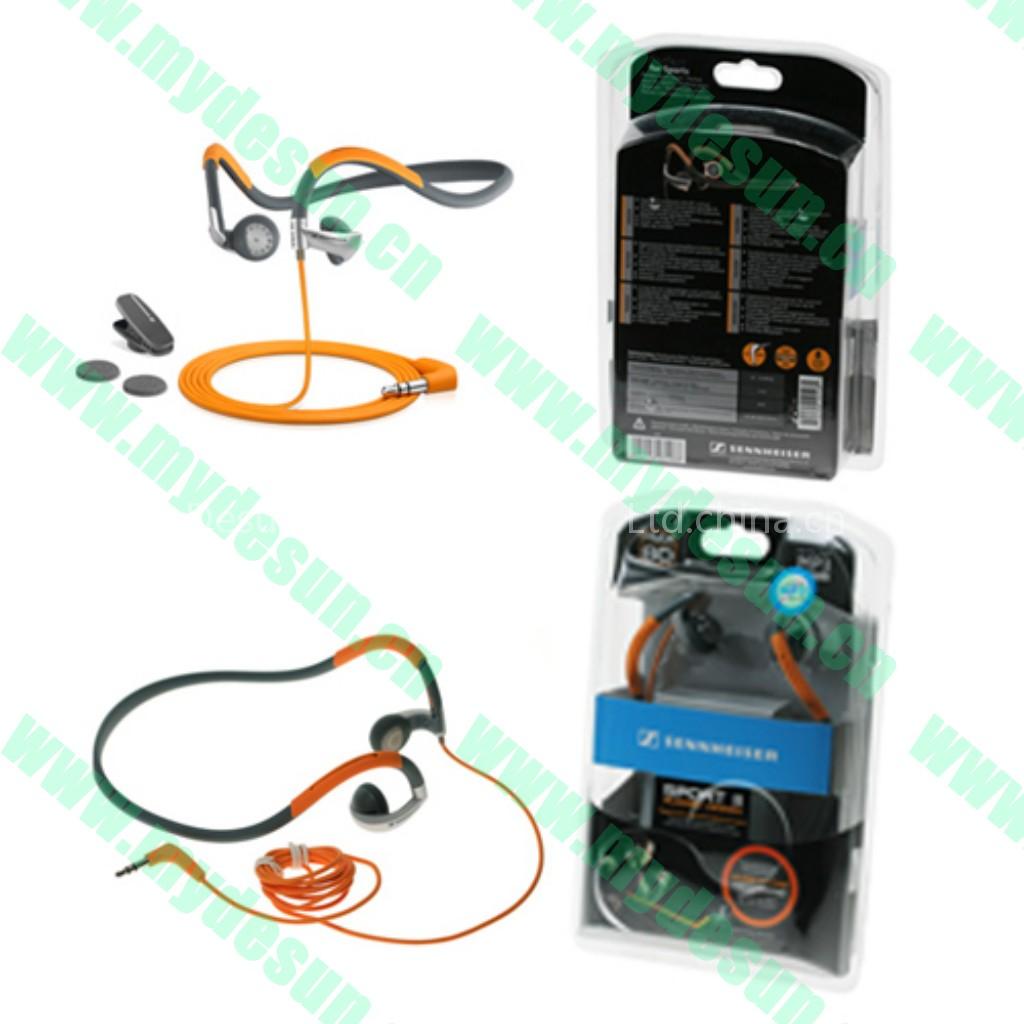 sennheiser pmx80 neckband earphone with best sound
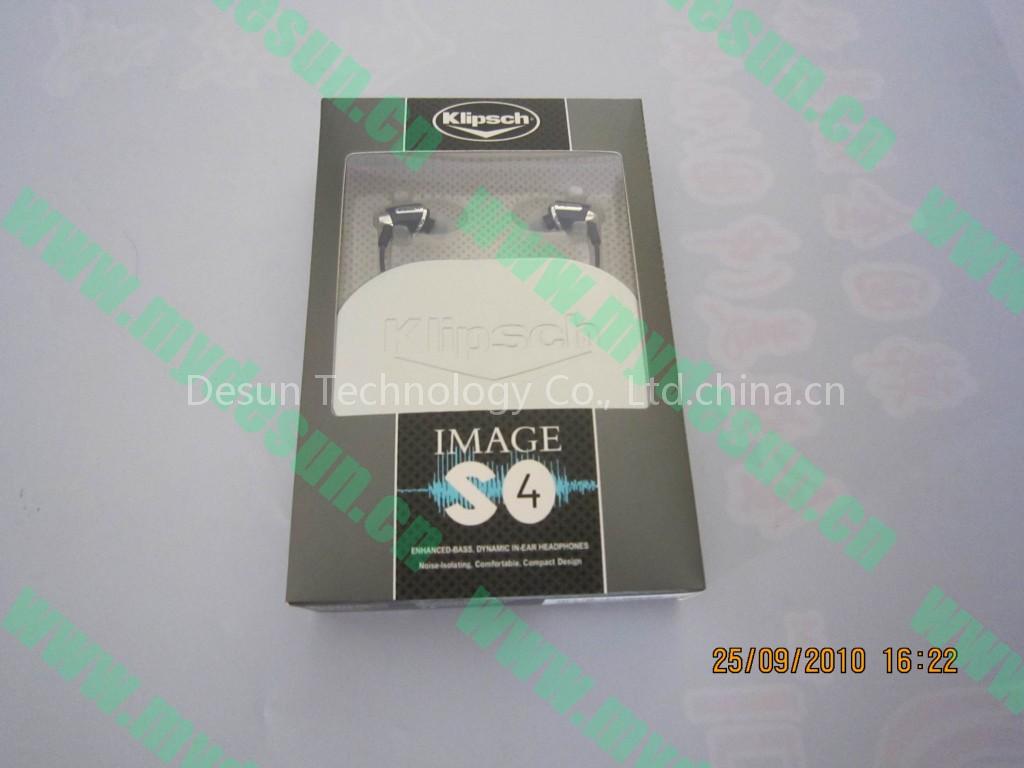 klipsch image S4 earphone with best sound