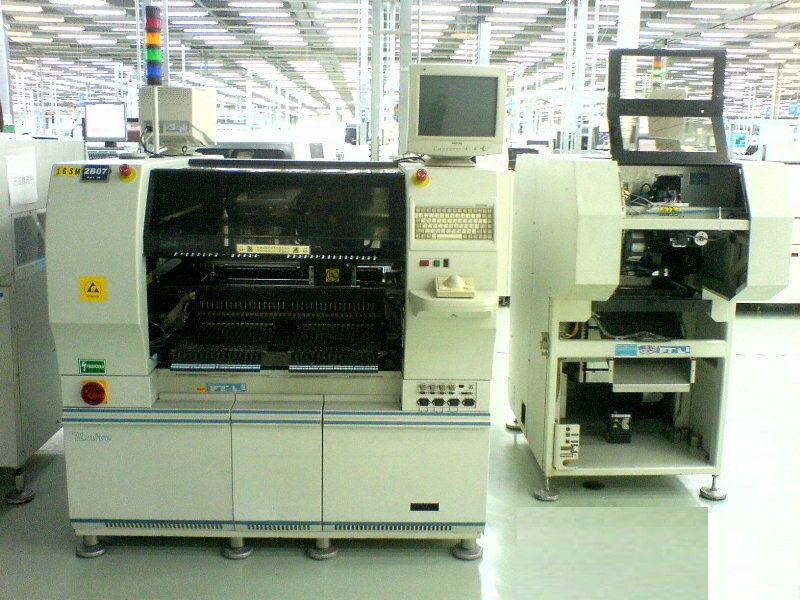
UNIVERSAL 6241B SMTpart
Specifications
- Origin
- china
- Price Term
- EX-Work
- Payment Term
- T/T
UNIVERSAL 6241B SMTpart is a Electronic Components, Accessories product. Key specs — Origin: china; Price Term: EX-Work; Payment Term: T/T.
Product Description
. New . Open . Save . Save As . Delete . Import . Export . Auto Detect . Units . Type . Separator Character . Conversions . Bill of Materials IM-UPS includes some predefined formats. These formats support the CAD files that are created by PPU (Pattern Programming Utility) when converting competitive pattern programs.
Formats for CAD files with axial or radial components using inch or metric units are supplied. These predefined formats support the following CAD data. . Component ID . Reference ID . X Coordinate . Y Coordinate . Theta . Axial Insertion Hole Span (axial only) New Use the New option to clear any existing data from the CAD Data Import window.
Open Once a format has been detected, it can be saved for use in future imports. Use the Open option to open the selected format which can then be applied to the successive import. To open an existing format: 1 Select the Format menu bar heading. 2 Select the Open menu option. The Open Format dialog box is displayed. 3 Select the format to open.
4 Select OK. The format information is displayed in the file summary portion of the window. Save Once a format has been established, it can be saved for use in future imports. If the format has previously been saved, this option overwrites the existing version with any changes that have since been made.
To save a format: 1 Make changes to the format displayed in the CAD Data Import window. 2 Select the Format menu bar heading. 3 Select the Save menu option. The format displayed in the window is saved. A message indicates that the format was successfully saved.
Save As Use the Save As option to copy the open format with a unique name while retaining the original. This option is useful for creating a new format similar to an existing format. Existing data can be changed as required rather than entering all new data. To copy and save a format with a new name: 1 Open an existing format.
2 Select the Format menu bar heading. 3 Select the Save As menu option. The Format Name dialog box is displayed. 4 Enter the new format name. 5