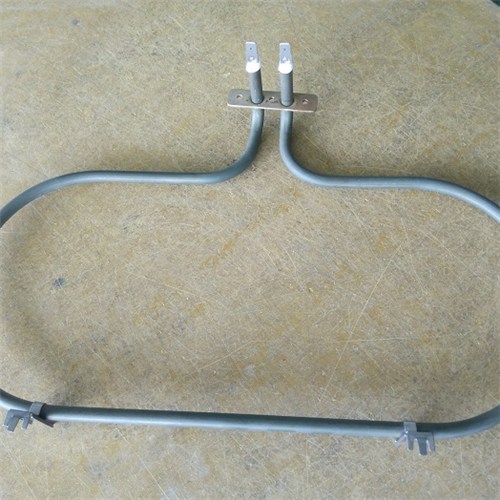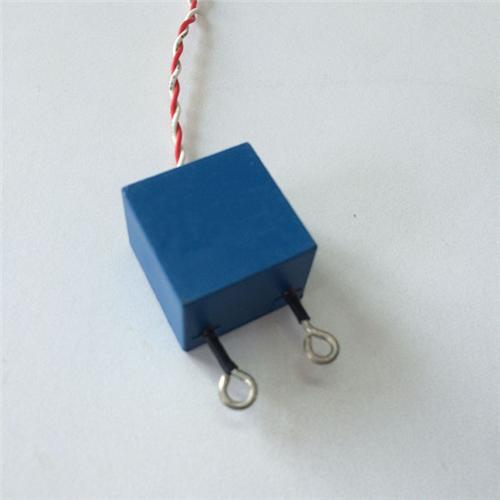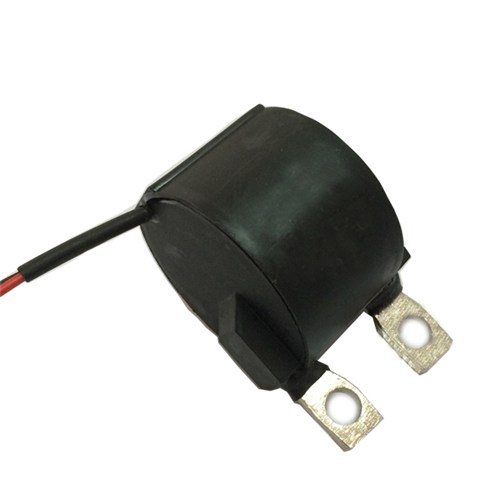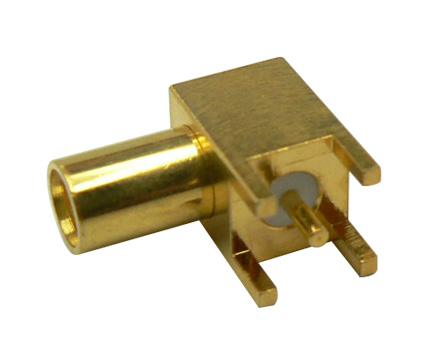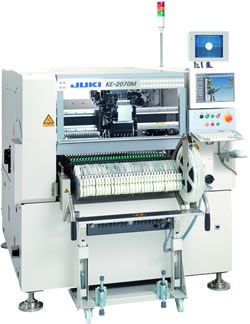
JUKI KE-2060R SMT part
Specifications
- Origin
- china
- Price Term
- EX-Work
- Payment Term
- T/T
JUKI KE-2060R SMT part is a Electronic Accessories & Supplies product. Key specs — Origin: china; Price Term: EX-Work; Payment Term: T/T.
Product Description
Speed mm /s Mode Suction 1 Forward 60 Dry ON Backward 60 Dry ON 2 Forward 30 Wet OFF Backward 60 Dry OFF . If the cleaning performance is not good using the conditions above, reduce the cleaning speed more. 1E3C-E-PMB01-A02-00 Page 1-33 1.5 Creating the Production Data 2. Editing the cleaning data 1. Click [CleaningData]. . The sheet is displayed.
1D3C-EPt-EdCd-001 2 Choose an operation mode. 3 Set whether to perform the cleaning during a wait of process and the amount of waiting time. 4 Set the speed, mode, suction, and operation of cleaning. 5 Click [Close]. . The screen returns to the main menu.
1D3C-EPt-EdCd-001 Page 1-34 1E3C-E-PMB01-A02-00 1.5 Creating the Production Data 1.5.8 Print Counter 1. About the print counter 1 Paste count It decreases by one whenever one board is printed in automatic operation.
When it has reached “0,” automatic operation stops (Automatic operation - Remaining solder check) or solder is dispensed automatically (option, set in the software switch). Input the number as the paste count. 2 Solder dispense A) Solder depletion check Remaining solder is checked by the chosen method: [Sensor] or [Counter], and solder is dispensed.
Sensor (Option) . When it is enabled, the amount of solder is checked by the remaining solder check in F→R printing. If solder is short, it is dispensed automatically (set in the software switch) . When the solder auto-dispensing feature is OFF, [Sensor] is disabled. Counter .
When it is enabled, the paste count decreases by one whenever one board is printed in automatic operation. When it has reached “0,” automatic operation stops or solder is dispensed automatically (set in the software switch). . When the solder auto-dispensing feature is OFF, be sure to choose [Counter].
B) Discharging time The solder-dispensing time for a solder auto-dispensing can be set . 1E3C-E-PMB01-A02-00 Page 1-35 1.5 Creating the Production Data 2 Editing the print counter 1. Click [PrintCounter]. . The sheet is displayed. 1D3C-EPt-EdPc-001