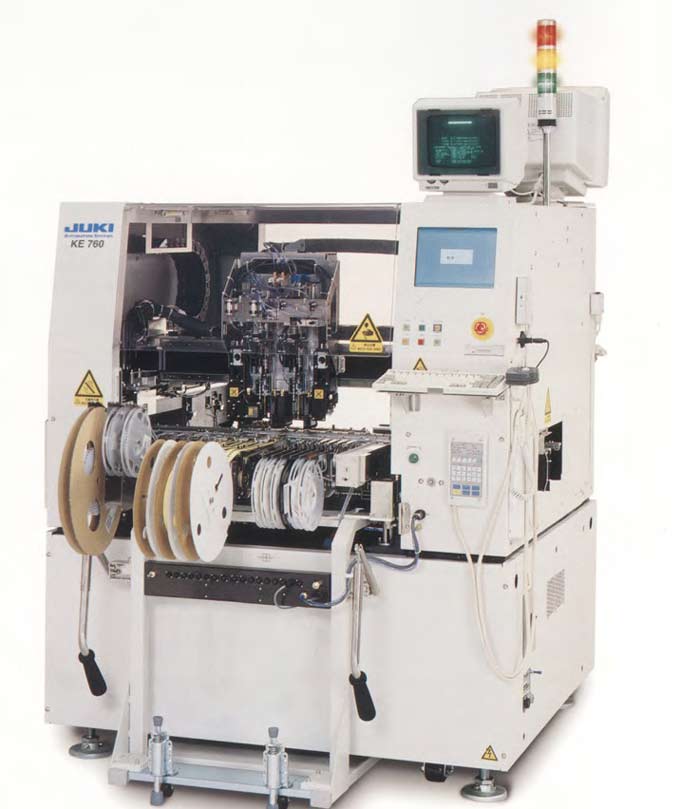
JUKI KE-2020 SMT part
Specifications
- Origin
- china
- Price Term
- EX-Work
- Payment Term
- T/T
JUKI KE-2020 SMT part is a Electronic Accessories & Supplies product. Key specs — Origin: china; Price Term: EX-Work; Payment Term: T/T.
Product Description
Click [Close]. . The screen returns to the main menu. 1D3C-EPt-EdMd-002 Page 1-22 1E3C-E-PMB01-A02-00 1.5 Creating the Production Data 1.5.5 Mask Recognition Data 1. About the mask recognition data .
When using the mask-recognition correction through the board recognition marks (when using the batch teaching), it is not required to set data for this mode. However, when using the batch teaching, the mask needs the same mark (aperture) as the board recognition mark at the position corresponding to the board recognition mark. 1D3C-EPt-EdMrd-001 1.
Recognition mode Mask and board are corrected by recognizing the marks on two blocks. One point or a pair of points can be set on one block. 1E3C-E-PMB01-A02-00 Page 1-23 1.5 Creating the Production Data 2 Block data of board/mask side Clicking [BoardSide] or [MaskSide] displays the corresponding block data. A) Block It shows each block No.
Block 1 and block 2 are used also for the mask recognition. Therefore each of them must be located diagonally and the distance between them should be long. 1D3C-657E B) 1 point/1 pair Choose 1-point recognition or 1-pair recognition for each block. Unless the precision is especially important, choose 1-point recognition.
C) 1 point or 1 pair X-coordinate, 1 point or 1 pair Y-coordinate Input the recognition point’s coordinates as measured from the board origin for the first point (or pair). D) 1 pair X-coordinate, 1 pair Y-coordinate When choosing 1-pair recognition, input another recognition point. Page 1-24 1E3C-E-PMB01-A02-00 1.5 Creating the Production Data 2.
Editing the mask recognition data . This part describes the data editing procedure of two-block 1-point recognition as an example. 1. Click [MaskRecogData] in the main menu. . The window opens. 2 Enter the block data for the board side. 3 Choose 1-point mode. 4 Input the coordinates of the recognition point.
5 Enter the next block data by repeating the steps from 3 to 4. 6 Click [DataShift (Board->Mask)].