

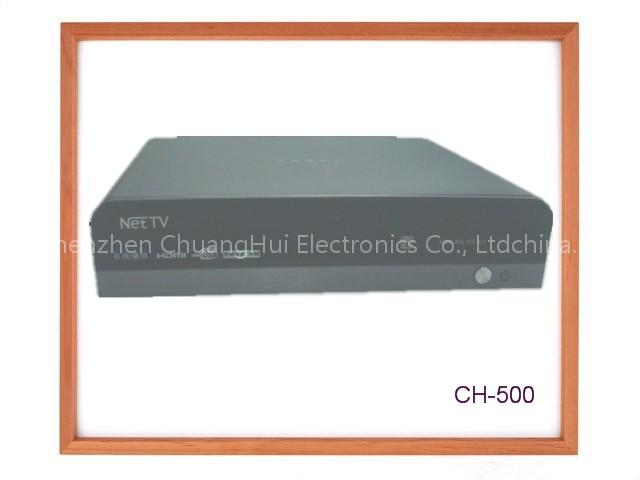
HD Internet Media Player
Specifications
- Origin
- China
- Price Term
- EXW
HD Internet Media Player is a Radio & TV Broadcasting Equipment product. Key specs — Origin: China; Price Term: EXW.
Product Description
The HD Internet Media Player is a brand new consumer device with QVOD (quasi-video-on-demand) functionality. The HD Internet Media Player is able to utilize a home broadband connection to instantly access massive Internet movie resources and offer on-demand online video streaming and search, as well as media library functionality.
It does not require an active computer and constant waiting for downloads to finish.
With the latest IPTV technology, such a device can replace the common DVD player in the modern broadband Internet age.· Online On-Demand – Utilizing the international online QVOD specifications, this device can access QVOD content without the usual wait for downloads, as well as supporting instant access to TV shows in high-definition (720p).· Full-format support – Compatible to: RMVB, H.264, WMV, MPEG2, MPEG4, AVI, MOV, ASF, MP4, VOB, MKV, etc.· Top Picks– The best programming updated hourly and conveniently selected automatically by the device.· Built-in search – The built in search engines can find media from all over the Internet, free from the limits of a single media source.· USB interface – Can directly playback media stored on USB mass storage devices, without further setup.
Private and family video sharing made easy!· Remote control – Ease of use and accessibility afforded by an elegant remote control.
No need to get up to change your selection.· Sleek and elegant design – Beautifully engineered, the HD Internet Media Player makes a fitting piece for even the most fashionable of home theaters.· Full range of network interfaces– The HD Internet Media Player supports external USB, Wireless WIFI, Ethernet, and dial-up Internet access (PPPOE).★The HD Internet Media Player utilizes a new play to only QVOD media, but thanks to on-demand BT (bittorrent) technology can quickly play BT media with minimal buffering.
This fast broadcasting is made possible by low resource consumption, simple operation, high efficiency, strong features and scalability, making it the most popular universal media player.Front view and Rear view: Browsing programs1. Before browsing programs, please ensure the correct network settings have been configured.2.
Enter the program list by pressing the program list key on the remote control. This calls up a screen of recommended films and ratings by film genre. These genres include action, comedy, romance, horror, sci-fi, animation, war, documentary, feature, Chinese mainland, European and American, Hong Kong and Taiwan, Japan and South Korea, and other films. 3.
Switch genres by using ▲▼, and select a film ◄►. 4. The OK key will begin showing the film. Due to the P2P technology that powers this device, there will be a brief buffering time before the device begins to show the film. During this time there will be a progress bar which shows how much the film has buffered. Upon reaching 100% the film will begin.
Buffer times vary according to the video’s bit rate and connection speed. Generally, buffer times are anywhere from 10 to 30 seconds.5. If the desired program is not found in the programs list, select "More†at the end of the list. This will bring up a movie library. 6. ▲ will show information about the film such as synopsis, format, resolution, and more.
Top Videos1. Press the Top Videos key on the remote control to bring up a screen of daily most popular videos. Constantly updated with the newest media, the player will automatically play from a selection of the highest ranking videos at the time. 2. To find out more about what is being displayed, press the up key.3.
It is also possible to view the schedule through the interface.Media Search1. Press the search key to bring up the search interface. Input the desired key words and click to begin searching.a. Searches can be done by pinyin or Chinese character stroke order.
This device’s search function also utilizes keywords as well as incremental-search (results will be displayed as you type). The back key can be used to delete what has been typed. Click "finished†or directly press the Play/Pause key to search.b. Search can also be done in English.2. For the player interface, click the up key.
Use ▲▼◄► to select the desired film and use the OK key on the remote to bring up the player interface. Clicking the OK key will commence playback.3. During playback, pressing ▲will bring up film information such as popularity, format, bit rate, resolution, etc. Pressing ▲again will leave this interface.
Related Products
 Canada Hi-Tech Z1
 China (Mainland) Digital Satellite Receiver GSR-N50
 China (Mainland) USB Digital TV Receiver
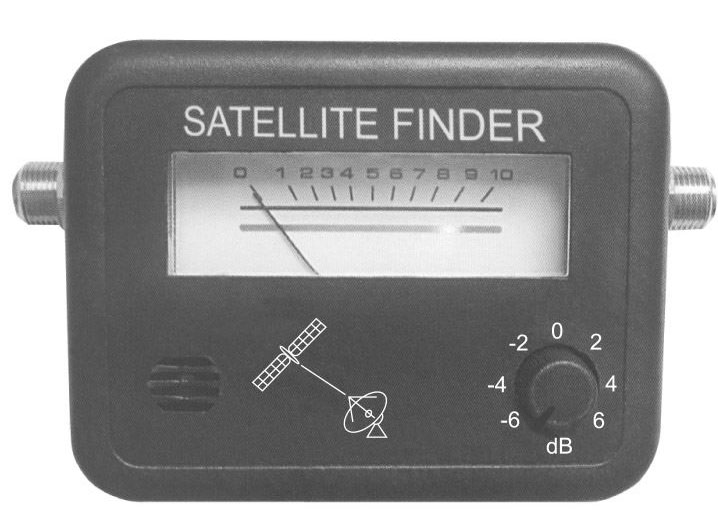 India Satellite Finder
 Taiwan DVB-T Antenna HA-008B
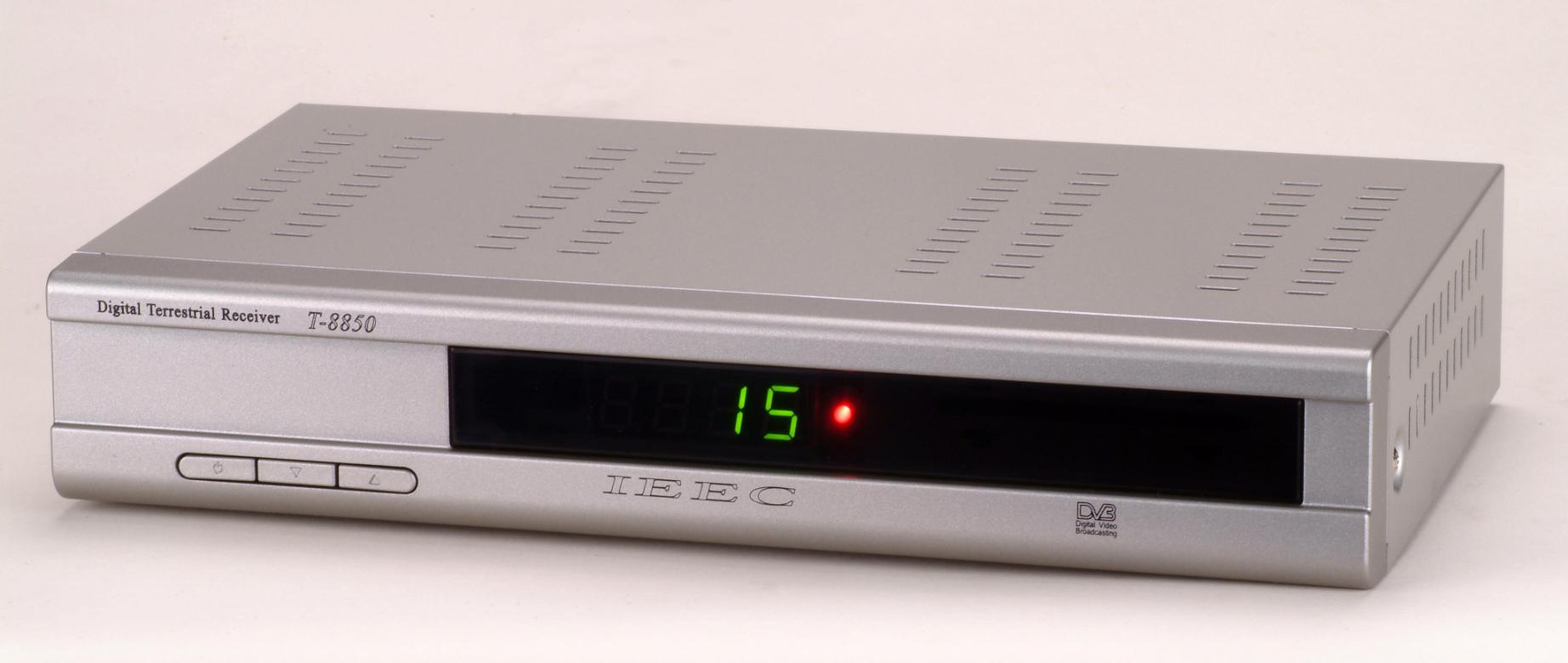 Taiwan Dvb-terrestrial Receiver
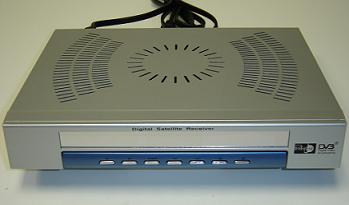 Canada Pantec 2500A FTA Satellite Receiver
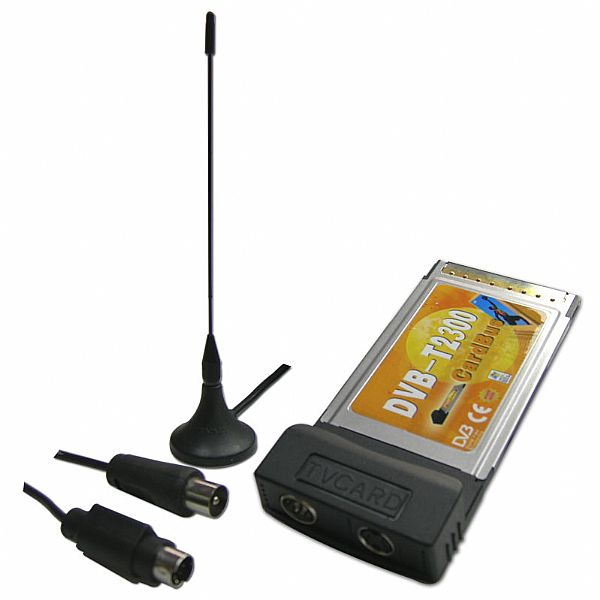 Hong Kong PCMCIA Cardbus DVB-T / Analog TV Card With Philips Chips